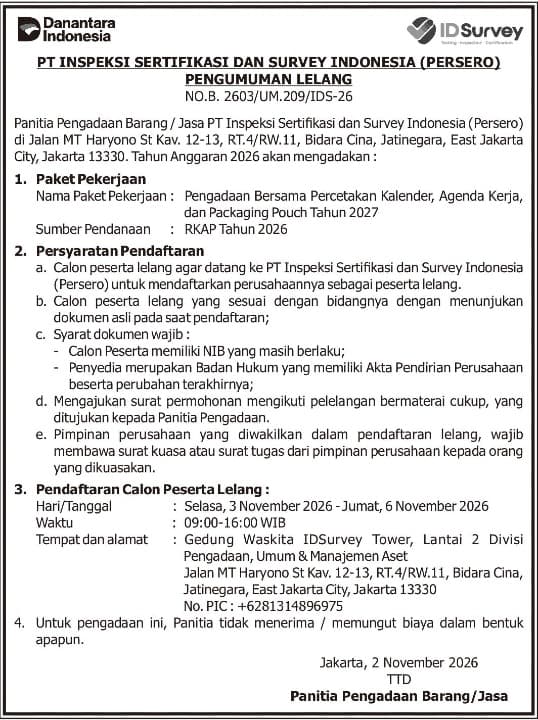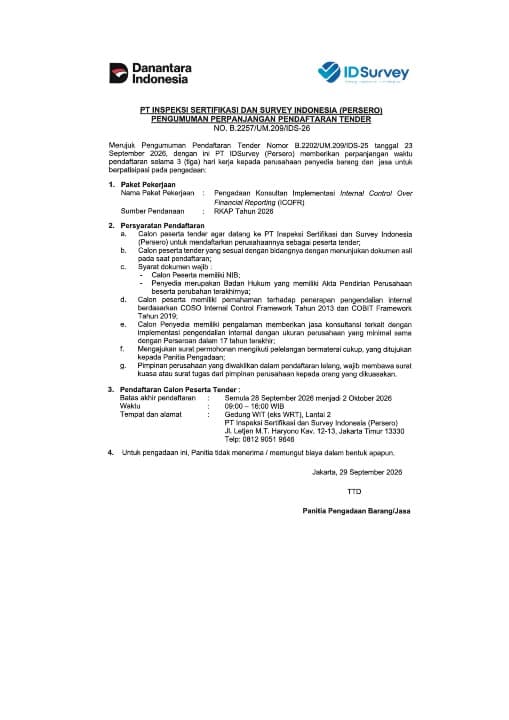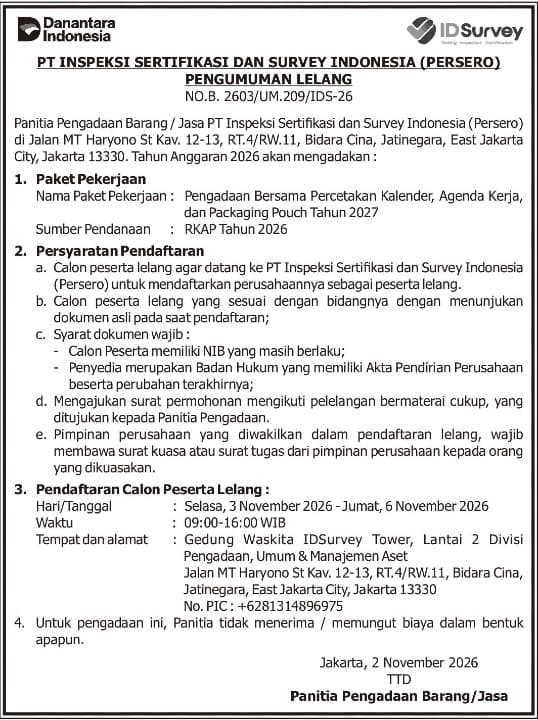
PT Inspeksi Sertifikasi dan Survey Indonesia (Persero) invites qualified suppliers to participate in the tender for the Joint Procurement of Printing Services for 2027 Calendars, Planners, and Packaging Pouches, funded under the Company’s 2026 Work Plan and Budget (RKAP). This tender is announced under Notice No. B. 2603/UM.209/IDS-26.
Registration is open from 3 to 6 November 2026, from 09:00 to 16:00 Western Indonesia Time (WIB, UTC+7). Prospective bidders must register in person at the Procurement, General Affairs & Asset Management Division, 2nd Floor, Waskita IDSurvey Tower, Jalan MT Haryono Kav. 12–13, RT.4/RW.11, Bidara Cina, Jatinegara, East Jakarta 13330, Indonesia.
Prospective bidders must operate in the relevant business sector, hold a valid Business Identification Number (NIB), and be legally incorporated entities with a Deed of Establishment and its latest amendments. Original documents must be presented during registration, together with an application letter bearing the required Indonesian stamp duty and addressed to the Procurement Committee. Any representative registering on behalf of the company’s management must also present a power of attorney or a letter of assignment issued by the company’s management.
No fees of any kind will be charged by the Committee for this procurement process. For further information, please contact +62 813-1489-6975. The full announcement and registration requirements are available in the document below.
Activity Documentation