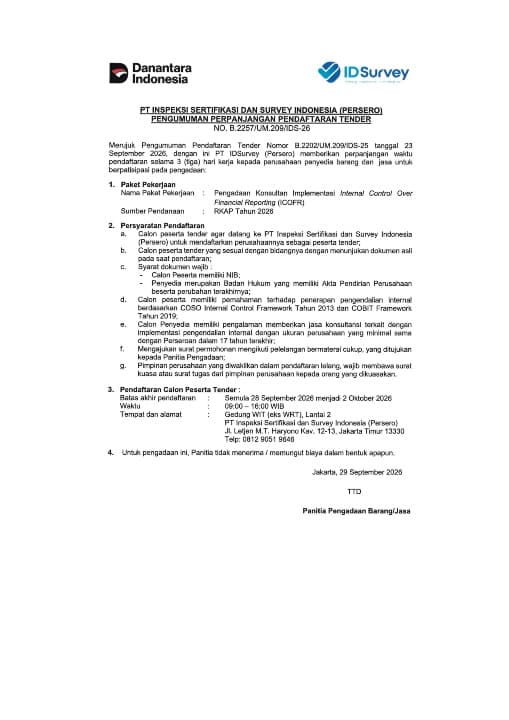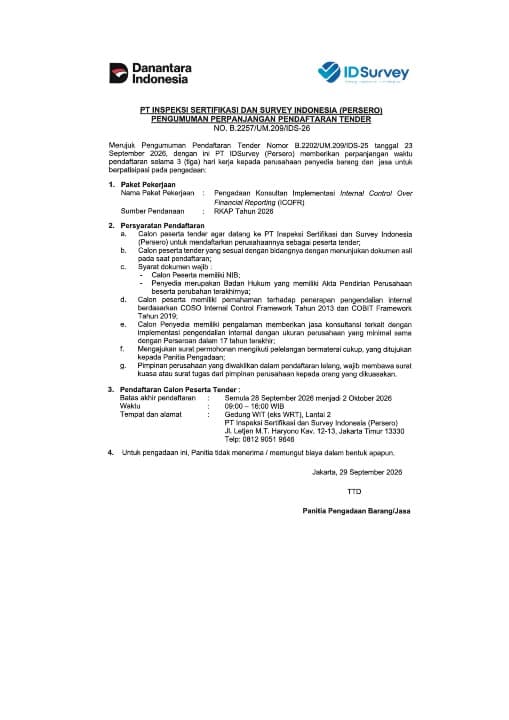
PT Inspeksi Sertifikasi dan Survey Indonesia (Persero), known as IDSurvey, announces an extension of the registration deadline for the Procurement of Internal Control Over Financial Reporting (ICOFR) Implementation Consultancy Services, from 28 September 2026 to 2 October 2026.
The extension is announced pursuant to Notice No. B.2257/UM.209/IDS-26, dated 29 September 2026, to provide eligible service providers with an opportunity to participate. The procurement is funded under the Company’s 2026 Work Plan and Budget (RKAP).
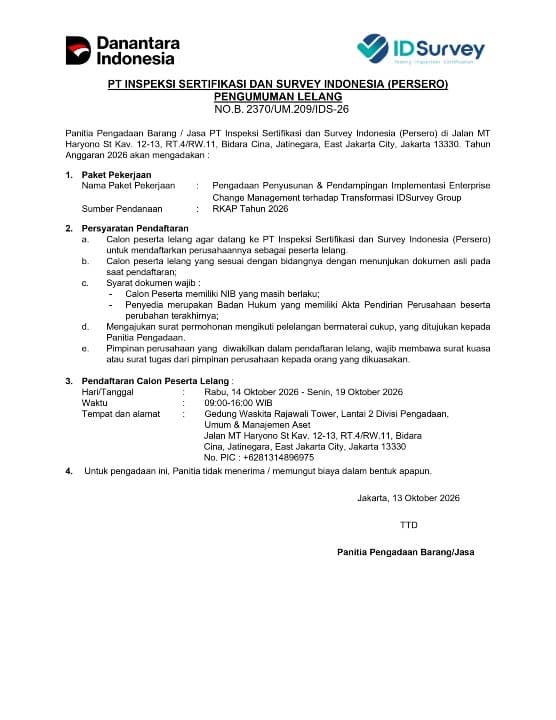
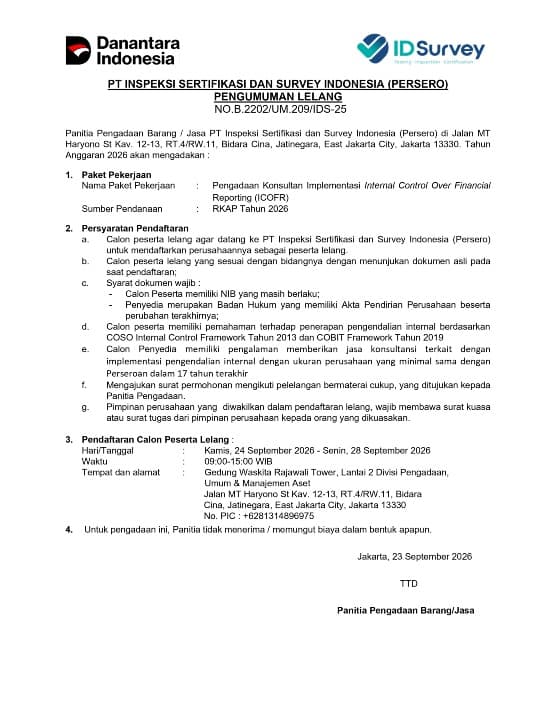
Prospective bidders must register in person, present original documents, and meet the administrative, competency, and experience requirements specified in the attached notice. Representatives registering on behalf of a company must present a power of attorney or a letter of assignment issued by the company’s management.
Registration Information
Deadline: 2 October 2026.
Registration hours: 09:00–16:00 Western Indonesia Time (WIB, UTC+7).
Location: WIT Building (formerly WRT), 2nd Floor, PT Inspeksi Sertifikasi dan Survey Indonesia (Persero).
Address: Jl. Letjen M.T. Haryono Kav. 12–13, East Jakarta 13330, Indonesia.
Telephone: +62 812 9051 9646.
The Procurement Committee does not accept or charge any fees in any form in connection with this procurement process.
Full details of the registration requirements and procedures are available via the following link:
View the Announcement Document
Activity Documentation