Tender Announcement for Anaplan EPM Implementation Services
Home/Publications/Tender Announcement for Anaplan EPM Implementation Services

Tender Announcement for Anaplan EPM Implementation Services

September 24, 2026

Share

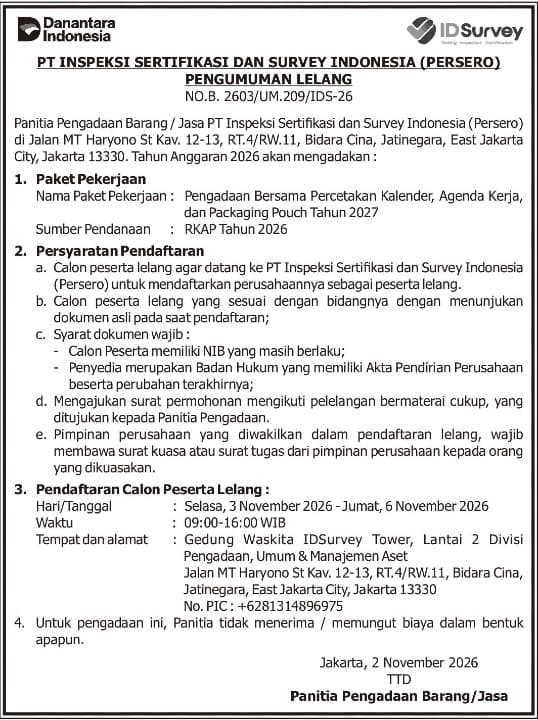
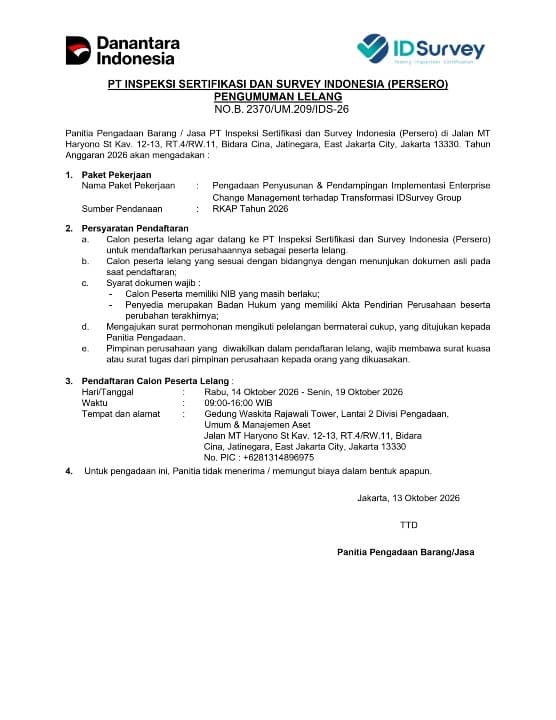
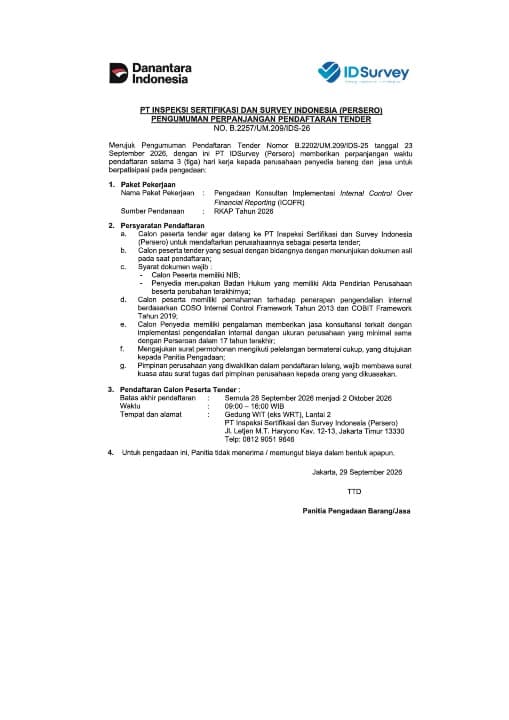
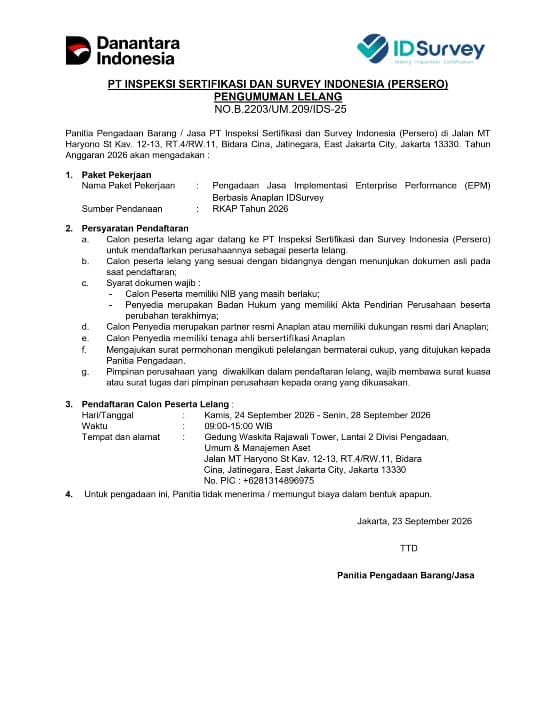
PT IDSurvey (Persero) invites bids for the Procurement of Anaplan-Based EPM Implementation Services for IDSurvey, funded under the 2026 Corporate Work Plan and Budget (RKAP).

Eligible service providers that are official Anaplan partners or have official support from Anaplan, and have Anaplan-certified experts, are invited to participate in this procurement process.

Registration will take place in person from 24 to 28 September 2026, from 09:00 to 15:00 Western Indonesia Time (UTC+7), at the Procurement, General Affairs & Asset Management Division, 2nd Floor, Waskita Rajawali Tower, Jalan MT Haryono Kav. 12–13, Bidara Cina, Jatinegara, East Jakarta. For further information, please contact +62 813-1489-6975.

Full registration requirements and conditions are provided in the tender announcement displayed on this page. The Procurement Committee does not charge any fees.

To view or download a clearer copy of the tender announcement image, please access Google Drive via the following link:

View Tender Announcement:
https://drive.google.com/file/d/1UeFoSsa3zCKwS4DgqiiIIorKuSM4Vvsv/view?usp=sharing

Activity Documentation
Activity 0

Previous Publications

Next Publications

Accessibility

Adjust the appearance of this website. Changes apply immediately.

Default settings

Text size

100%
Quick settings
Paused by your device setting

Your device requests reduced motion. Animations, automatic slide changes, and background videos stay paused, including after reset. This menu cannot override your device setting.

More ways to adjust

Default settings

Keyboard and zoom help

Use Tab and Shift + Tab to move between controls. Use Enter or Space to activate buttons, Space to toggle checkboxes, and arrow keys to choose radio options. Escape closes the panel and returns focus to its opener.

Use browser zoom with Ctrl + plus/minus on Windows or Command + plus/minus on Mac. Use Ctrl + 0 or Command + 0 to return to 100%. Browser zoom and this text-size setting work together.

When browser storage is available, preferences are saved in this browser. This menu does not send your choices to a server or external accessibility service.